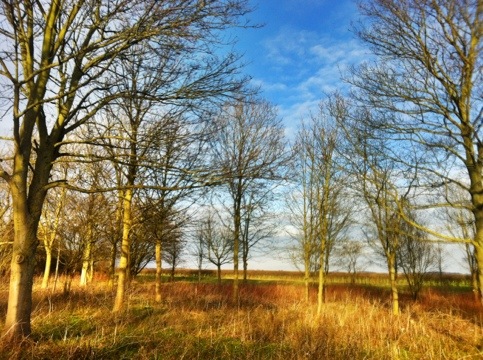
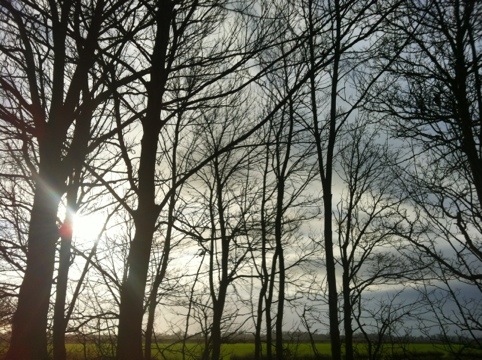
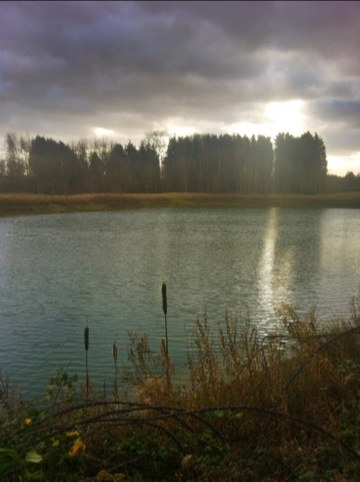
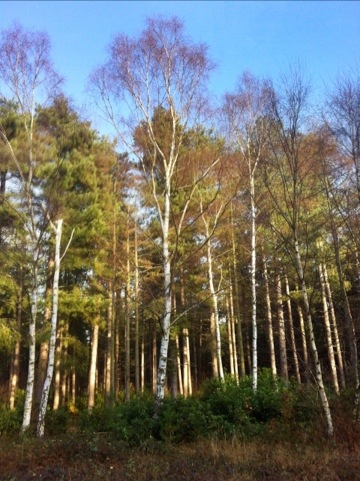
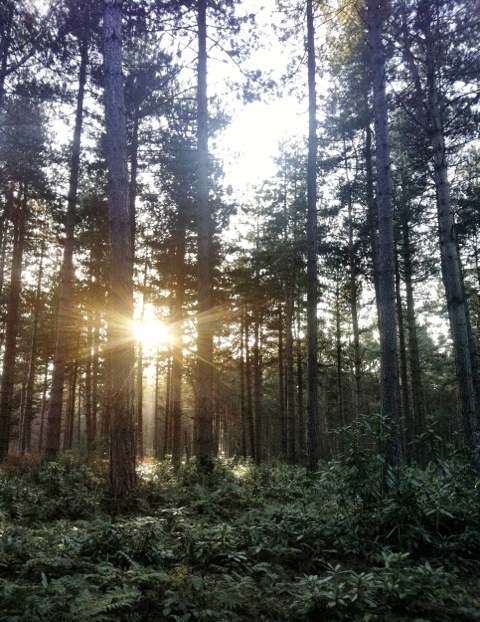
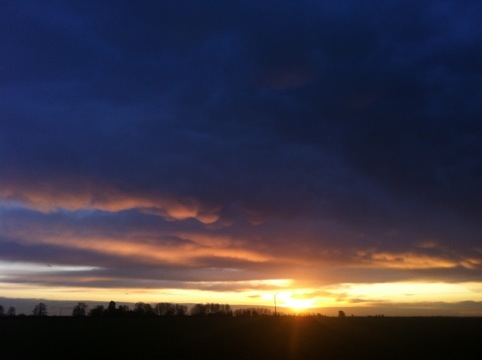
Cold but a nice sunset
Cold but a nice sunset Read More »
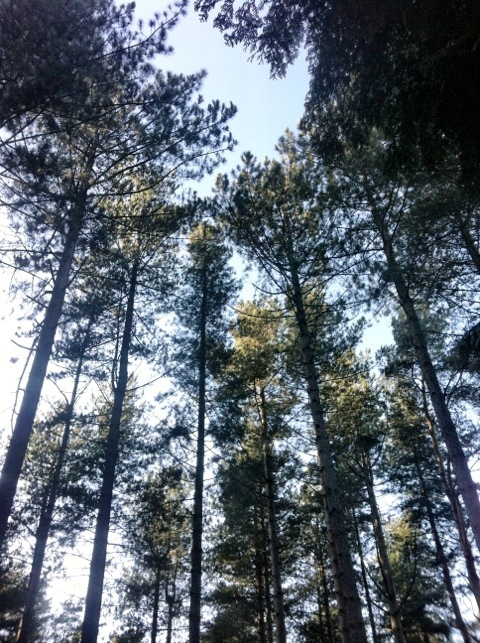
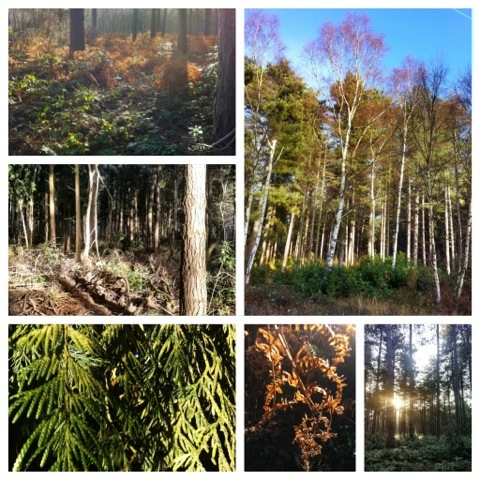
A short walk in the woods yesterday.
I set out early and took some extra breakfast with me – and boiled water on my meths stove for tea, having found a convenient fallen tree, in a quiet clearing, to sit on.
I had to stand over the sapling, below, to get the frame I wanted and from that position I could not hold the iPhone steady enough, so I used the “stabiliser” finction in the Camera+ app to get a sharp image.
A Walk in the Woods Read More »
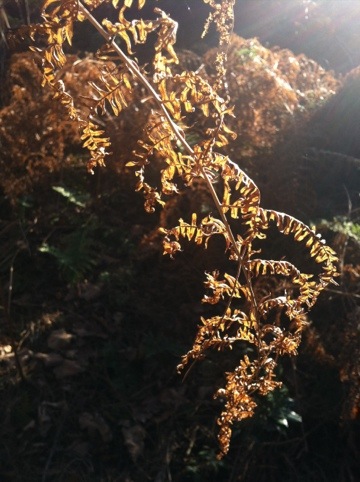
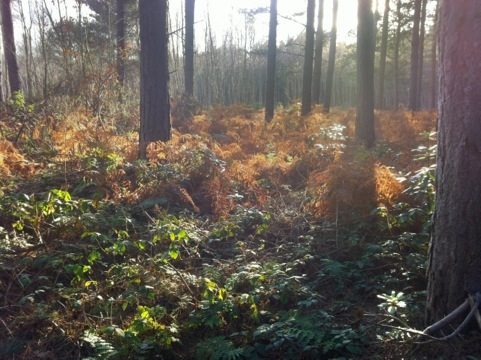
Before going to work on Sunday morning, (reading and reviewing a client’s, current staff handbook to reflect new technologies we are installing for them), I had a chance for a short walk through Stapleford Wood near Newark. Plenty of late autumn colours.
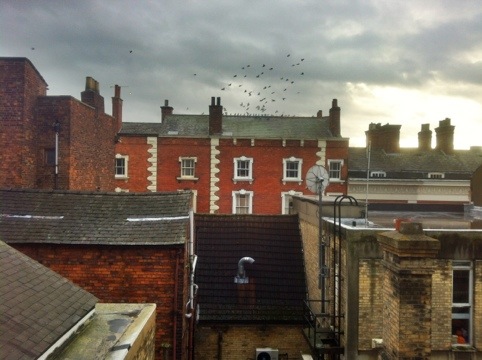
On Friday evening, I went into Lincoln city centre, with a couple of friends to shoot some photos of the Christmas lights and anything else of interest we came across. Between them they had a Sony SLR, and two Nikons – I took my iPhone.
One of the apps I wanted to try out was 6×6, a camera app that takes square images. I know you can crop any photo you take with an iPhone to a square but this app forces you to create your image inside a square, something that photographers used to do when using medium format cameras with 6cm by 6cm film frames. 6×6 also has a setting to take only mono photos (no second colour image saved) – it gives a similar experience to when I used to shoot black and white film.
A number of the following shots were taken on Steep Hill – the best street in the UK.
The Pie Shop used by Lawrence of Arabia.
And the rectangle shot for comparison.
Another camera app I used was Pro HDR, when the app takes two images to make the final shot, it takes some interesting ghost images.
And in colour…
Lincoln City Centre Photographs Read More »
Taking photographs with your iPhone.
I use my iPhone extensively as a digital camera, at work where it grabs screens shots, copies documents and records jobs,
and when walking and backpacking where is saves weight compared to a digital camera. It is the camera in my pocket for every occasion.
I have a selection of camera and imaging apps installed which add to the creativity of the iPhone camera these include.
but I still regularly use the iPhone camera app, which makes a great point and shoot camera with HDR. (You can search the iTunes App store for any of the above.)
When Googling iPhone photography I came across this site and blog, iPhoneography, which has some great articles, app reviews and outragous iPhone accessories. It is worth following if you are interested in iPhone photography.
I used to take a lot of black and white photos, on film, using a manual camera (a Nikon FM2) which I then processed and printed myself. It was great fun and I could produce some interesting and satisfying results. I thought it might be interesting to produce some mono images on my iPhone. I have tried the B&W effects available in the Camera+ app but thought it could be better and then I came across Photogene² as a featured app on the iTunes store and decided to try it out.
Photogene² is primarily an image processing app for the iPhone with many options including a fully featured black and white section. The interface is exceptionally good with controls that expand, become semi-transparent or disappear as you edit your image making it very easy to manipulate the effect you want. I particularly liked the contrast and exposure effect on the mono image to make the photo look like it had been printed on hard, high contrast, grade 5 paper – a result I was keen to produce.
Below is the first image I have made using the app (if I forget about the others I just experimented with).
The original image was made using Pro HDR – below is the starting image, with the colour saturation tweaked up a bit in the app, before saving.
Another feature of Photogene² is that it has a Black and White camera function, which displays in black and white as you frame the shot, to which you can add filters in real-time – I am looking forward to trying that out on some landscapes next time I go walking.
It looks like this is a good addition to my growing collections of camera and imaging apps on my iPhone digital camera.